 Robin ten Brink
Updated :
Robin ten Brink
Updated :

In this guide you will be shown how to install Company Portal. This will enable the use of Agriterra licenses and policies on your device.
Open start and go to the Microsoft Store:
In the Store search for Company Portal:
Install the Company Portal app from Microsoft:
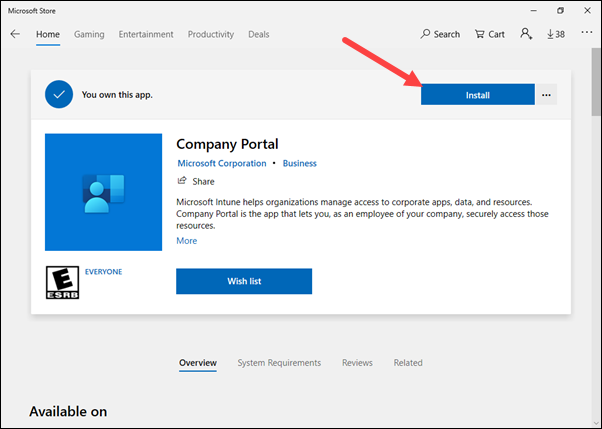
Open Company Portal and follow the steps to login using your Agriterra credentials:
In the next step make sure the check box is marked and press OK:
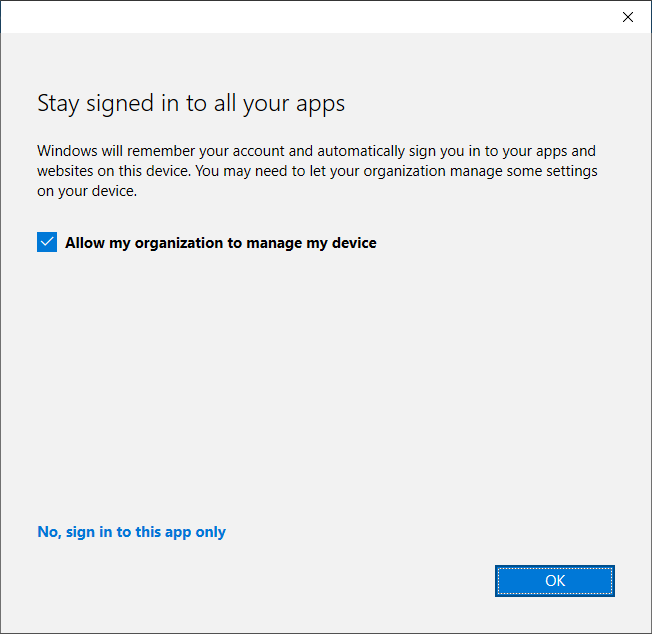
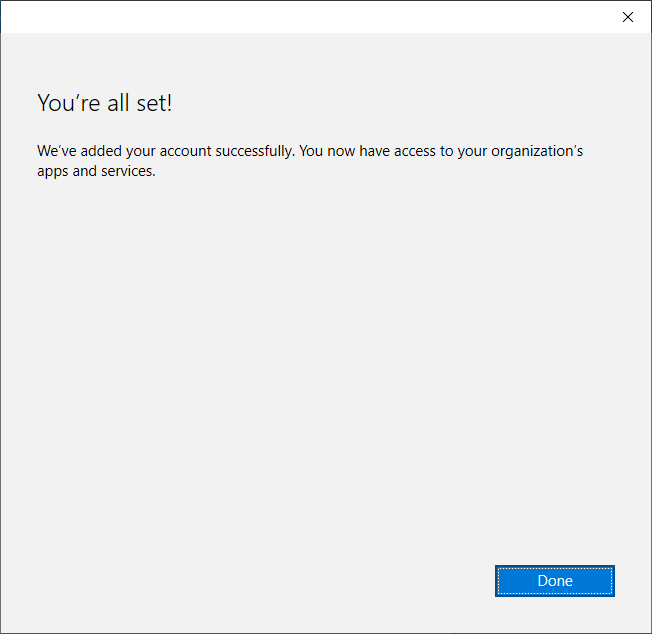
It will apply settings and policies, once its finished press Done and you're all set!
If you want to verify the setup you can check the Account screen in Start>Settings>Account. In this screen there should be an Agriterra account visible: