Support center

Search for answers to your questions by entering keywords below, or look through our knowledge base.

How to connect with VPN to Agriterra Arnhem network?

Print or save as PDF

Note: You need a Agriterra VPN account to connect. If you do not have an account yet, mail to ictsupport@agriterra.org that you want an account and why you need it.

1. Download FortiClient

Type in your browser https://www.forticlient.com/downloads en download the FortiClient software.
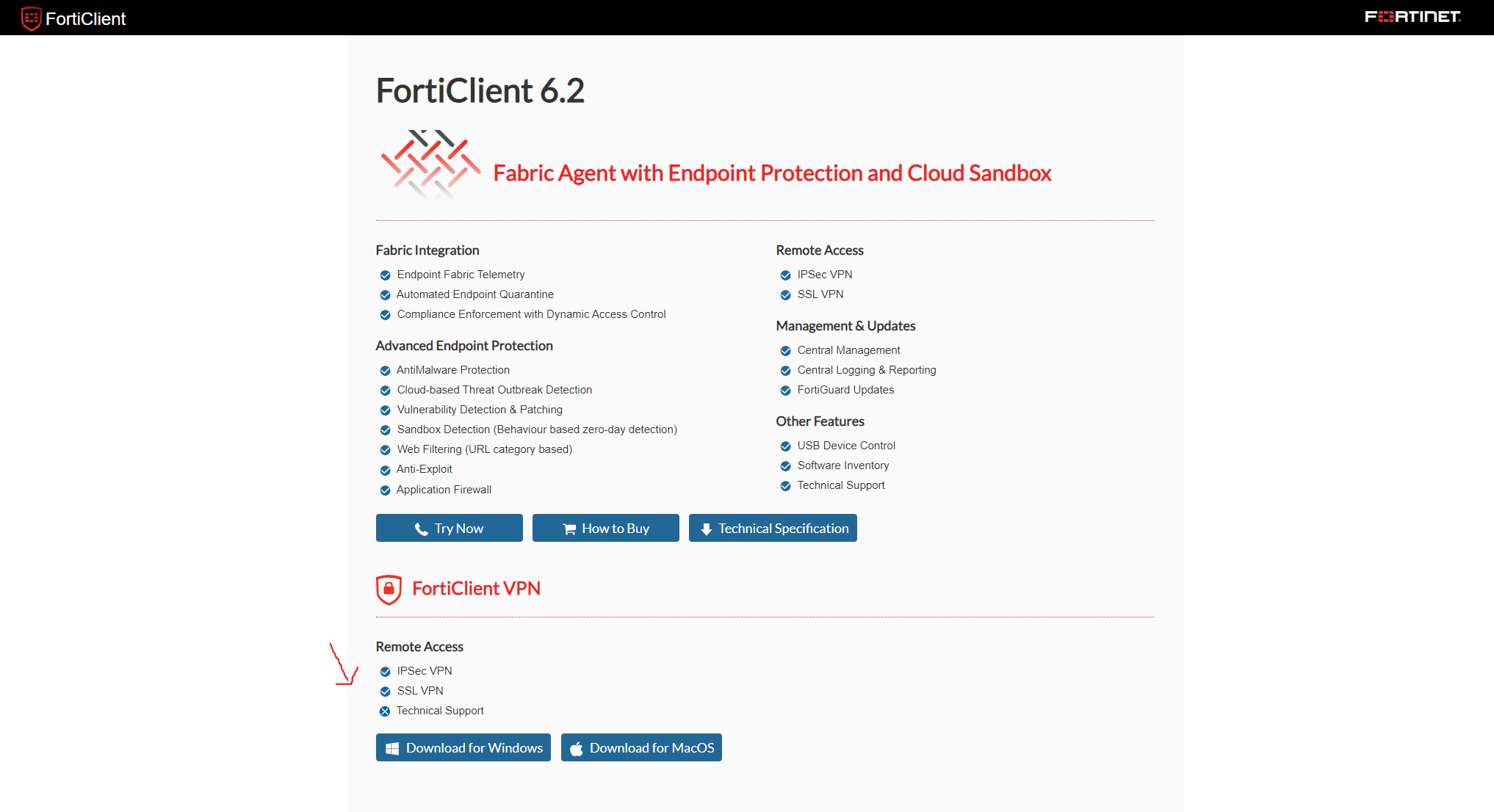
mceclip0.png

2. Installation of the FortiClient

When the installation starts, select Yes, i have read the agreement and click next.
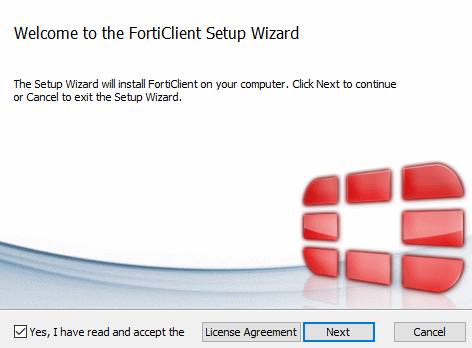
Continue and finish the instalation.

3. Setup Agriterra VPN

Open the FortiClient program and accept the agreement.
Click Configure VPN.

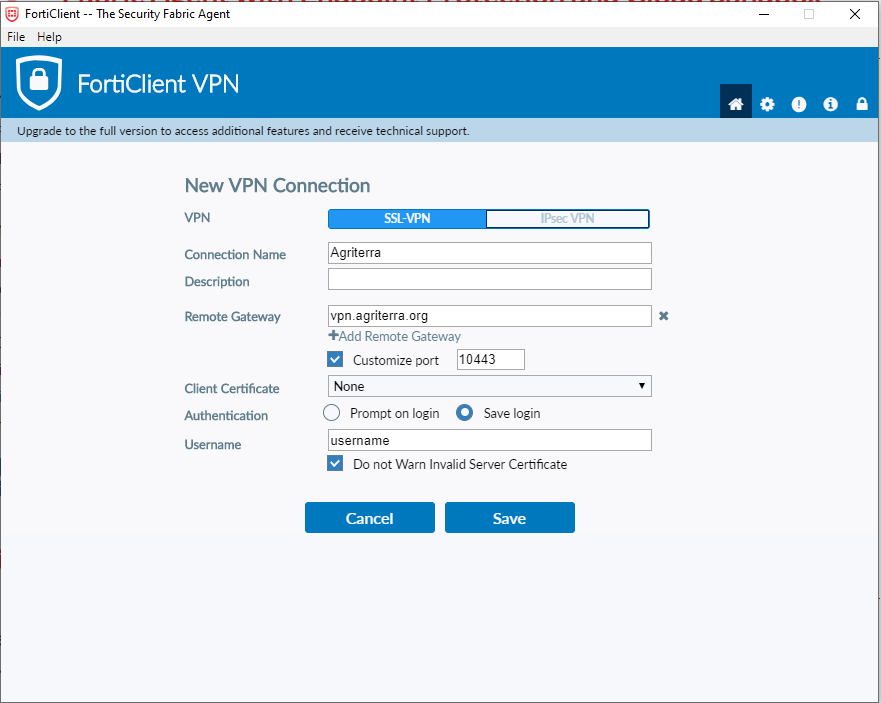
Enter the information below, and click save.

mceclip1.png

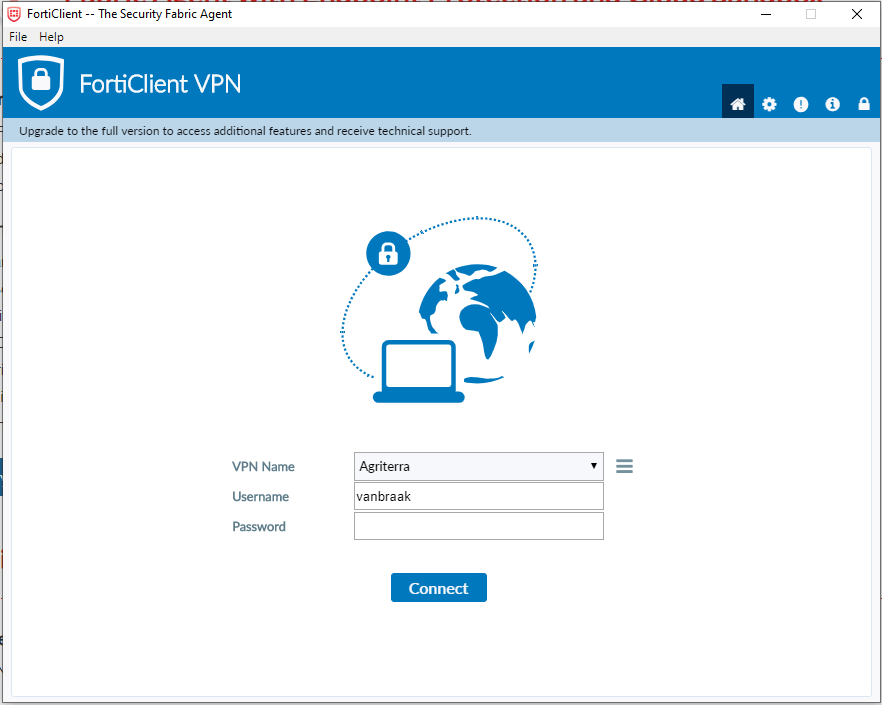
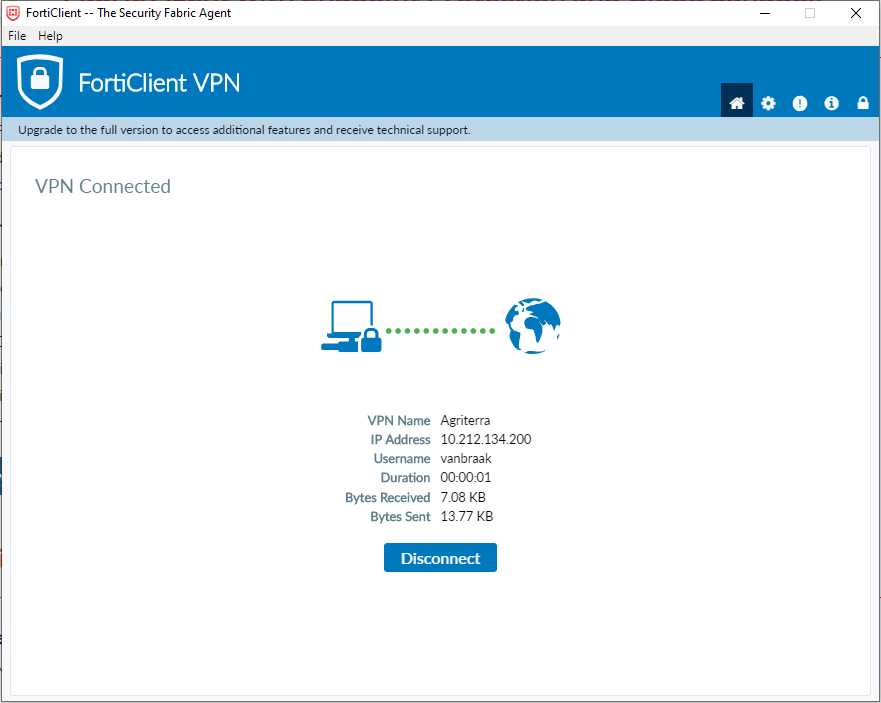
Now you will see the screen below, every time you open the FortiClient. Enter your vpn password and you are connected to the Agriterra network.

mceclip2.png mceclip3.png


Was this article helpful?
0 out of 0 found this helpful