 Bert van Houten
Updated :
Bert van Houten
Updated :

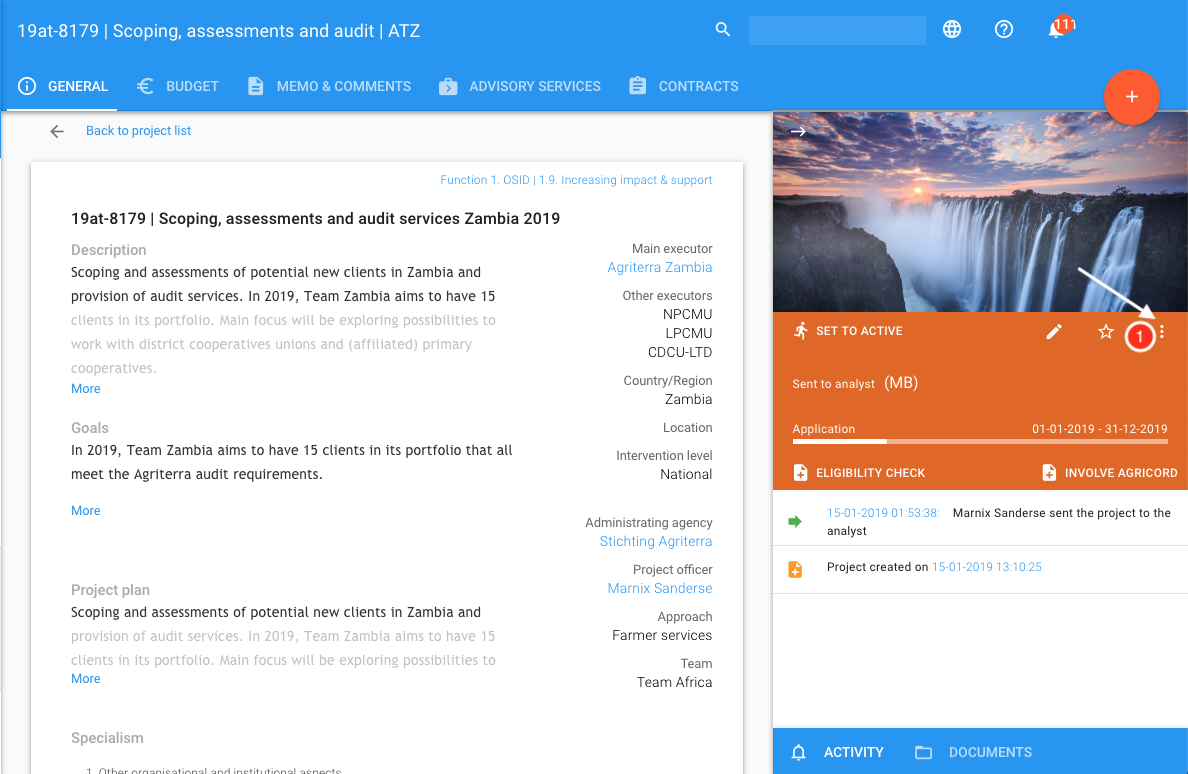
A project can be cancelled by clicking on the 3 dots in the right corner of the project status section (1)
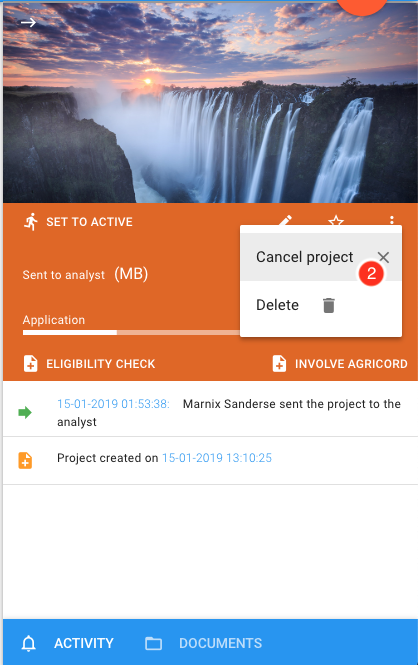
When clicking on 3 dots (more menu) the option to cancel is displayed (2)
Search for answers to your questions by entering keywords below, or look through our knowledge base.