José Levelink
Updated :
José Levelink
Updated :

Once a person has been added to agro-info.net, the person can become Expert by ticking the box

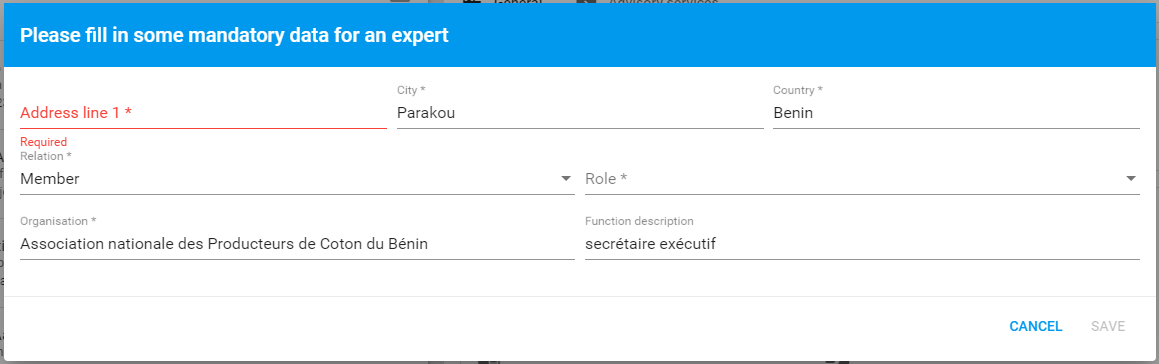
A pop-up will appear with the mandatory fields: Address line, City, Country, Relation, Role, Organisation. Function description is optional.
The status at the top will appear as New
New tabs Expert & Travel will appear, where data needs to be filled in:

Expert data
At the General tab the status is mandatory.
- Intake: when an intake meeting has taken place with one of the recuiters
- Active: when the expert is available for assignments
- Inactive: when the expert isnot available for assignments
- Rejected: when the person is not suitable as an expert
|
Field |
Description |
|
Risk profile present |
Indicate with yes or no whether the risk profile of the expert is available |
|
Intake status |
Indicate if the advice level is on a Strategical, Tactical or Operational level |
|
Intake date |
The option to register the (planned) intake conversations. |
|
Intake by |
Indicate who did the intake |
|
Intake remarks |
Remarks can be made |
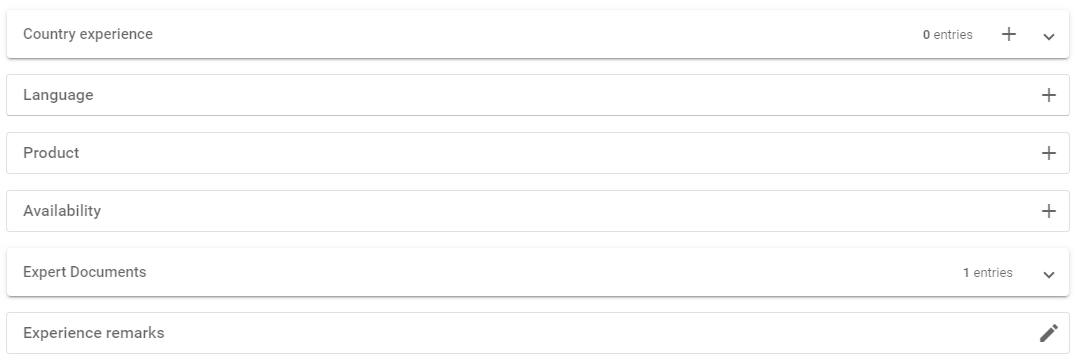
Other fields to be filled in either by clicking on the + or the pencil