 Robin ten Brink
Updated :
Robin ten Brink
Updated :

This guide is for when you need to reset or wipe the computer.
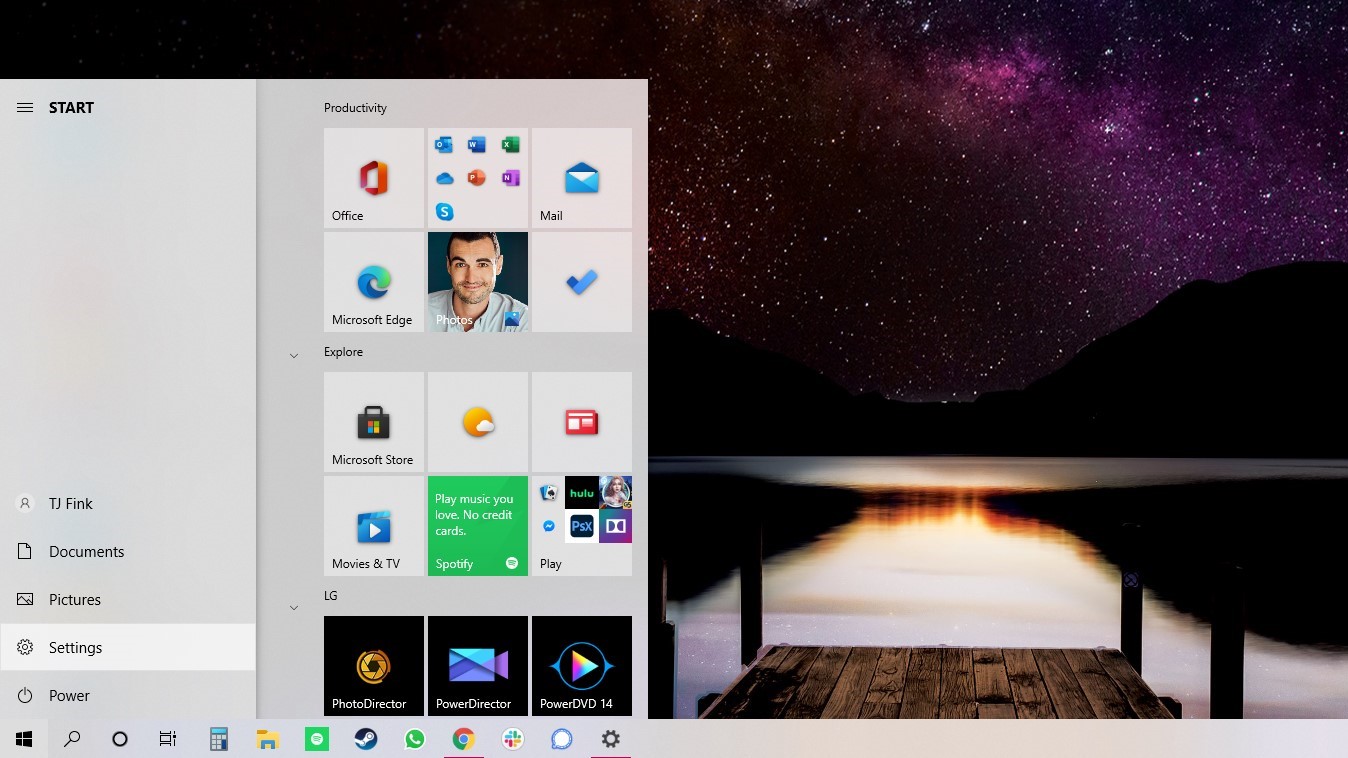
1. Navigate to Settings. You can get there by clicking the gear icon on the Start menu.
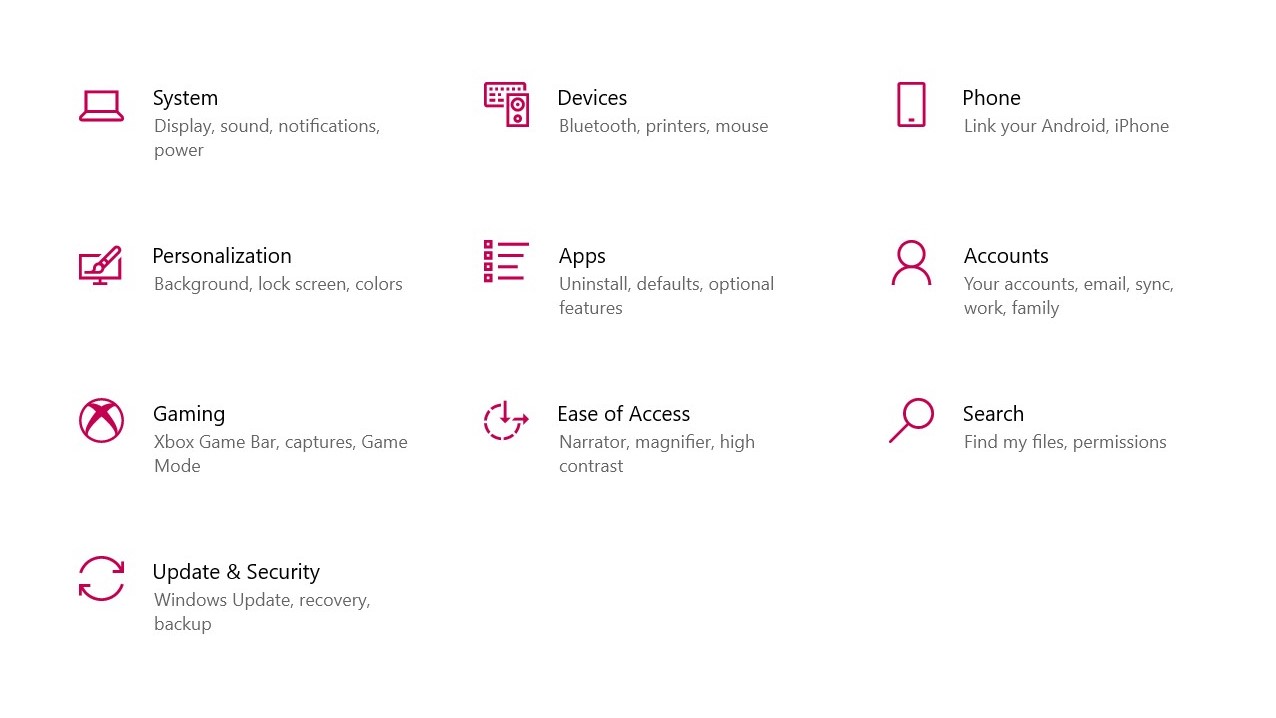
2. Select Update & Security
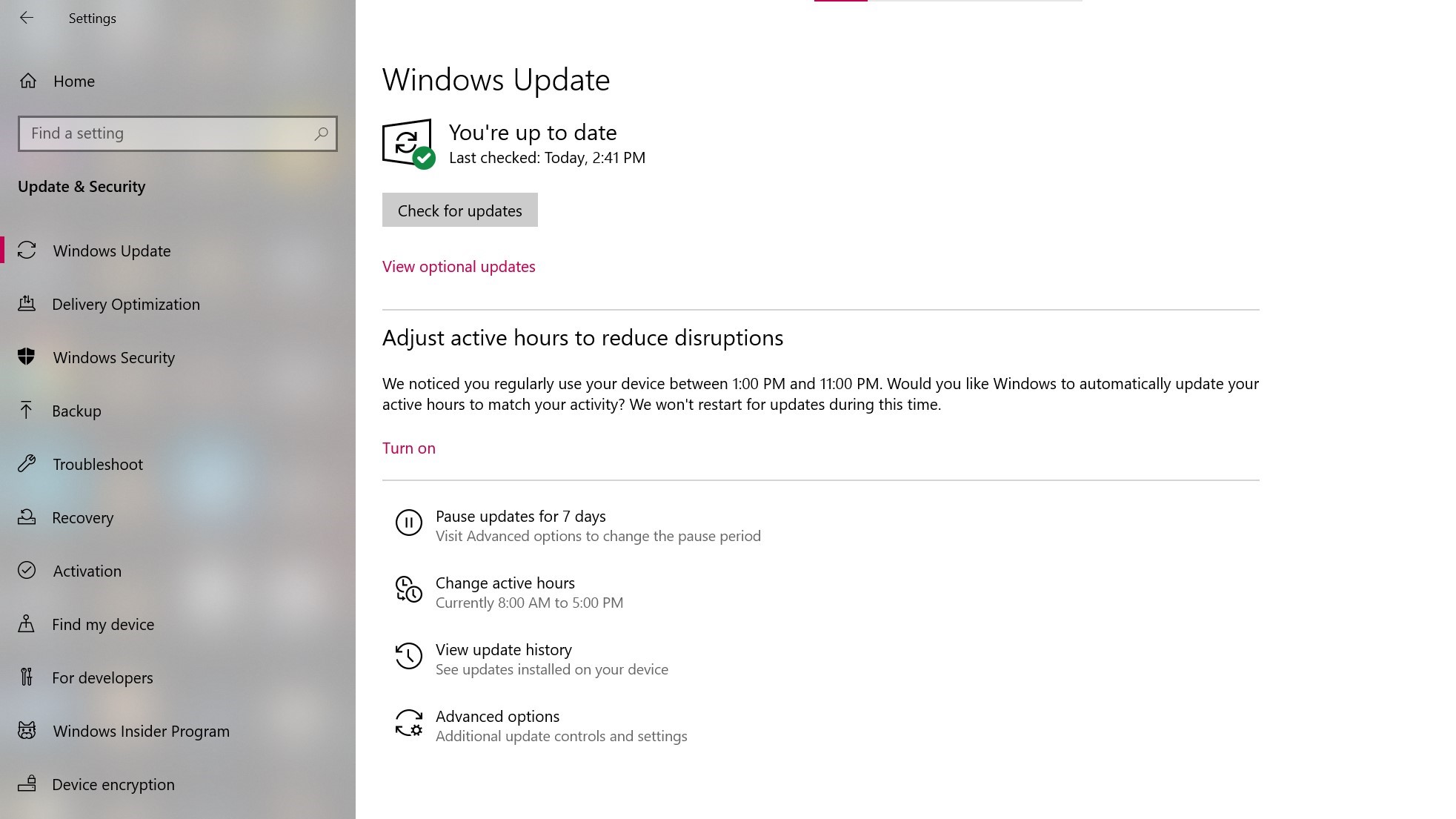
3. Click Recovery in the left pane.
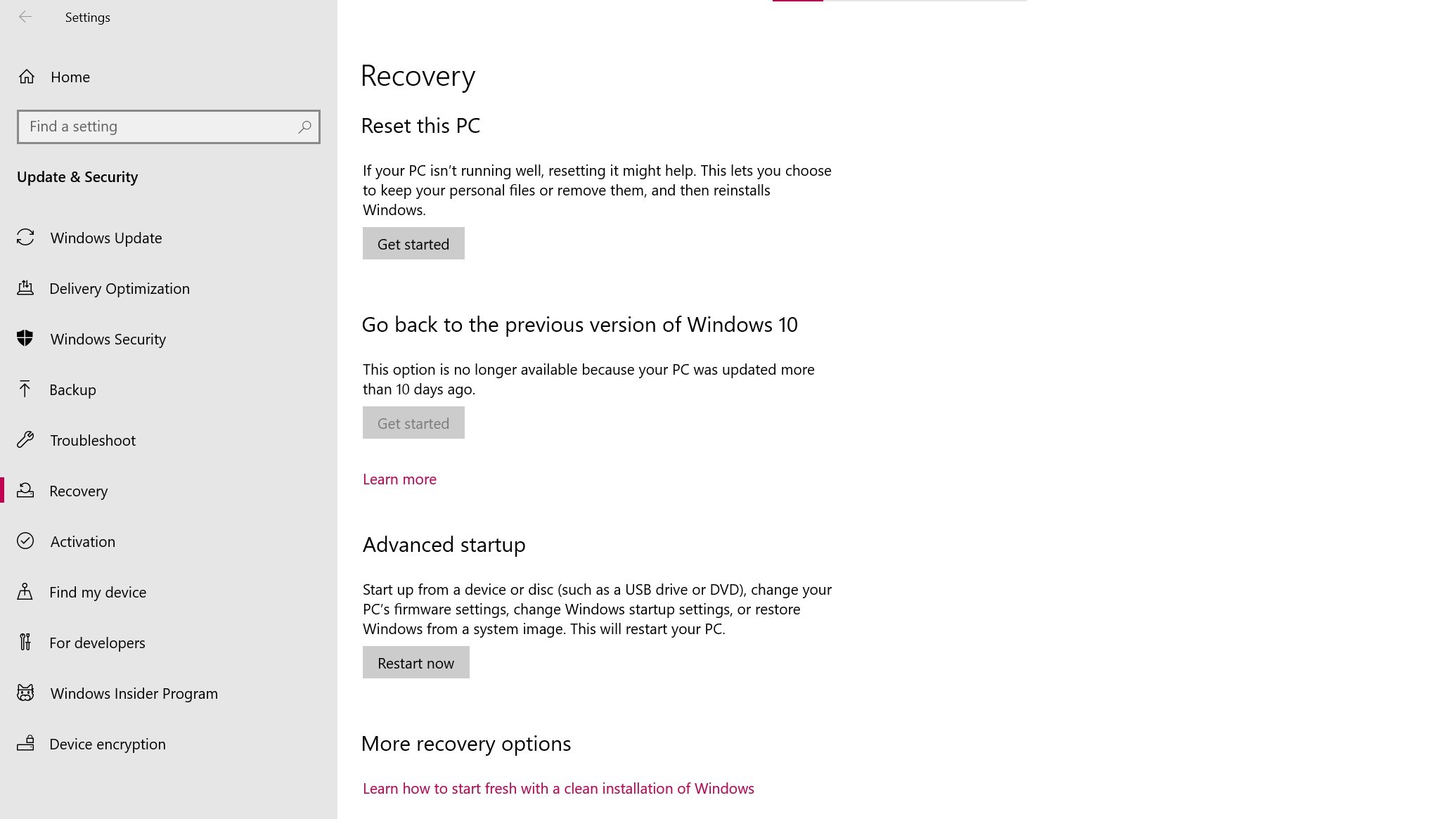
5. Click Get started under Reset this PC.
6. Click Remove everything,
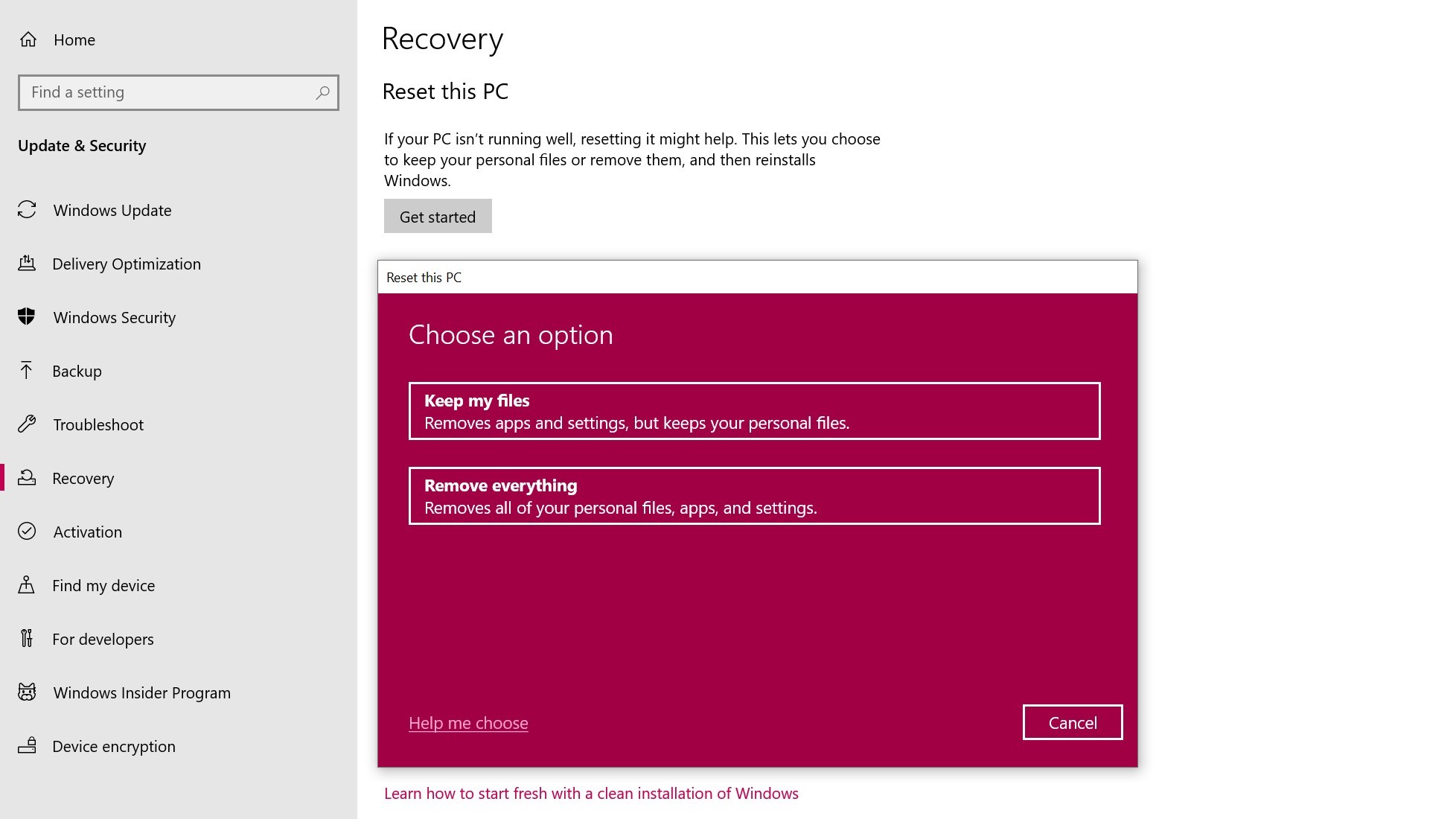
7. Regardless of your choice above, the next step is to decide whether to install Windows via the cloud or locally (from your device).
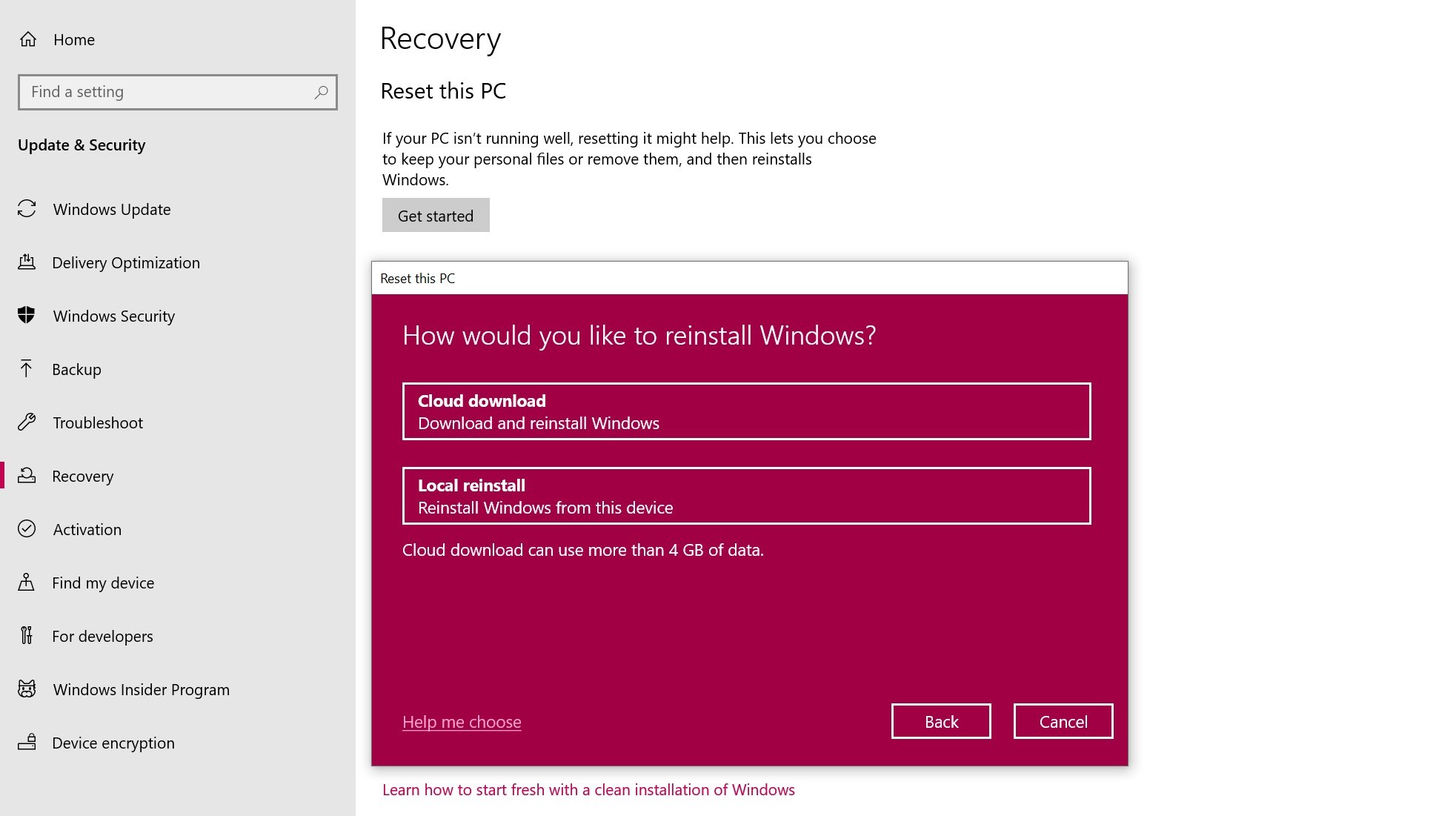
8. Click Next if Windows warns you that you won't be able to roll back to a prior version of the OS.
9. Click Reset when prompted. Windows will then restart and take several minutes to reset itself.
Now if you need to enroll the laptop in our systems please follow the steps in the following link:
Setup your new Windows 10/11 device
If you aren't able to reset or wipe using these steps we have alternative methods you can try:
Reset and Wipe a computer (2nd Method)
Reset and Wipe a computer (3rd Method)